Add an Extra Layer of Security to Your Footprint Account in Minutes
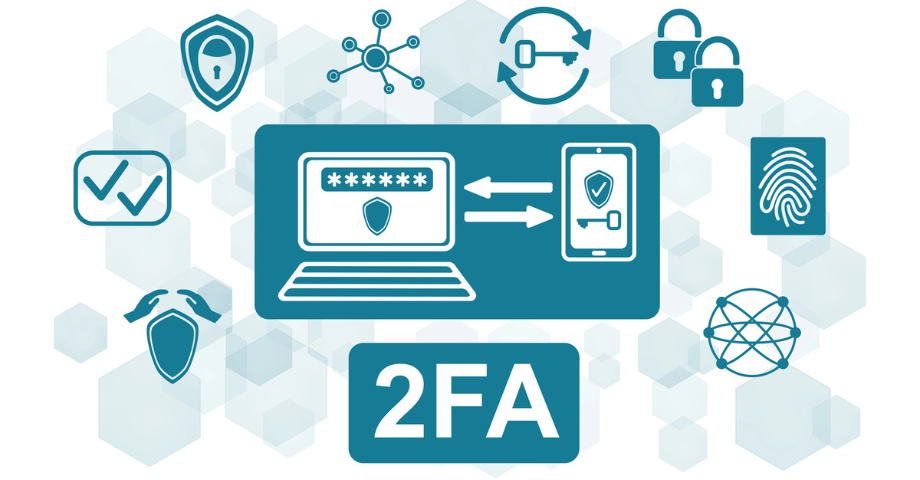
Keeping your information secure online has never been more important. That is why two-factor authentication (2FA) is available on all Footprint accounts. It is a simple step that adds an extra layer of protection to your account, and it only takes a few minutes to turn on.
What is two factor authentication
Two-factor authentication, or 2FA, is an extra security check when you log in. Normally, you enter your password, and you are in. With 2FA turned on, there is one more quick step. After entering your password, you will be asked to confirm it is really you. This is usually done by entering a one-time code sent to your phone or generated by an app.
Think of it like locking your front door and then closing the gate as well. Even if someone managed to get hold of your password, they still could not access your account without that second code.
Why it matters
Your Footprint account contains important information. Adding 2FA helps protect it from:
Stolen or guessed passwords
Phishing emails designed to trick you into sharing login details
Unauthorised access from unknown devices
It is one of the simplest and most effective ways to strengthen your online security.
Peace of mind in a few clicks
Turning on two-factor authentication means:
Extra protection for your personal and client information
Greater confidence when logging in
A safer online experience overall
There is no technical knowledge required and no complicated setup. Just a quick update in your account settings.
Turn On Two-Factor Authentication Today
You can enable two-factor authentication at any time in your Footprint account settings. It only takes a few minutes and provides an extra layer of protection for your information.
How to turn it on
Log in to your Footprint account
Click your profile in the top right corner and select Account
Scroll down to the Security section
Click Enable next to Two factor authentication
Follow the steps on the screen
That is it. If you have any questions or would like help setting it up, our team is always here to support you. Online security does not have to be complicated. Turning on two-factor authentication is a small action that makes a big difference.